
I. Introduction to vulnerabilities
(i) Basic information on vulnerabilities
- Diethylammonium chloride: Casdoor
- Product Versions::<=v2.62 (this vulnerability is fixed in v2.63.0 and above), minimum affected version unknown.
- Vulnerability Type: Unauthorized Access & Data Destruction.
- Vulnerability Hazard Rating: Medium Critical, the vulnerability can lead to unauthorized modification of the default application configuration of the system's core organization, which in turn can cause all users to be unable to log in, directly affecting system availability and potentially triggering data consistency issues.
- Vulnerability discovery time: September 18, 2025
- Vulnerability Number: CVE-2025-61524, CNNVD-2025-23364426 (undisclosed).
(ii) Detailed description of vulnerabilities
The Casdoor system has a permission control flaw that allows administrators of any organization within the same system to bypass the system's permission checking by splicing URLs together to access the editing interfaces of any other organization and any application. Although the "Unauthorized operation" prompt may pop up when accessing, the prompt does not have actual blocking effect, but only prevents the configuration data from being read and displayed, and the unauthorized user can still edit and save the configuration of the application that he/she is not authorized to operate. When the unauthorized user finishes editing and saves the configuration, the modified content will directly overwrite the original field information in the database. Due to the missing configuration data, other unmodified settings will be restored to their default settings or set to "0" .
By exploiting the above vulnerabilities, an attacker can launch the following attacks on the entire system after obtaining any account with administrator privileges:
- Denial-of-service attack: An attacker can clear the configuration of any application by splicing the URL: https://[Casdoor address]/applications/[organization name]/[application name], which triggers the front-end to report an error and prevents any user from logging in.
- Elevation of Privilege or Horizontal Transgression Attacks: An attacker can modify the universal passwords of other organizations by splicing the URL: https://[Casdoor address]/organizations/[organization name] to achieve the ability to log in to any account (including administrator accounts) of other organizations, including the admin account of the build-in organization (Casdoor default system administration privileges for organizations and administrators).
- Information Leakage and Hijacking Attacks: Attackers can obtain user tokens and hijack users to the wrong site and obtain user information by splicing the URL: https://[Casdoor Address]/applications/[Organization Name]/[Application Name], modifying the application's OAuth client id, key, redirection address, and other information.
(iii) Scope of impact
- Affected Products: All instances where Casdoor is deployed on systems with versions lower than 2.62.0;
- affected user: All users (including administrators, regular users, etc.) and applications under any organization of the Casdoor system.
(iv) Technical details
The Casdoor system only controls the access rights of each organization and application at the front-end interface level (hiding the operation entrances of unauthorized users), but it does not perform strict permission checking at the back-end interface level, which leads to the fact that the attacker can bypass the front-end restrictions by constructing a URL directly to obtain unauthorized access rights; at the same time, the back-end does not perform secondary checking of the operator's organizational rights when processing the application configuration saving request, and there are flaws in the saving logic, which will clear the data of fields related to the login control that have not been modified. At the same time, when the back-end processes the application configuration saving request, it does not perform secondary verification of the operator's organizational privileges, allowing non-organizational or system administrators to modify arbitrary application configurations, and there are flaws in the saving logic, which empties the data of the login control-related fields that have not been modified.
(v) Other notes
- In order to avoid malicious exploitation of the vulnerability, I contacted the Casdoor team on the same day of discovery of this vulnerability and informed them of the corresponding technical details, and have completed the fix and released the relevant update (v2.63.0) on the same day;
- This vulnerability information is only for security testing and vulnerability disclosure, and shall not be used for any malicious attack behavior without permission, or will bear the corresponding legal responsibility.
Vulnerability reproduction operation process
(i) Reproduction environment preparation
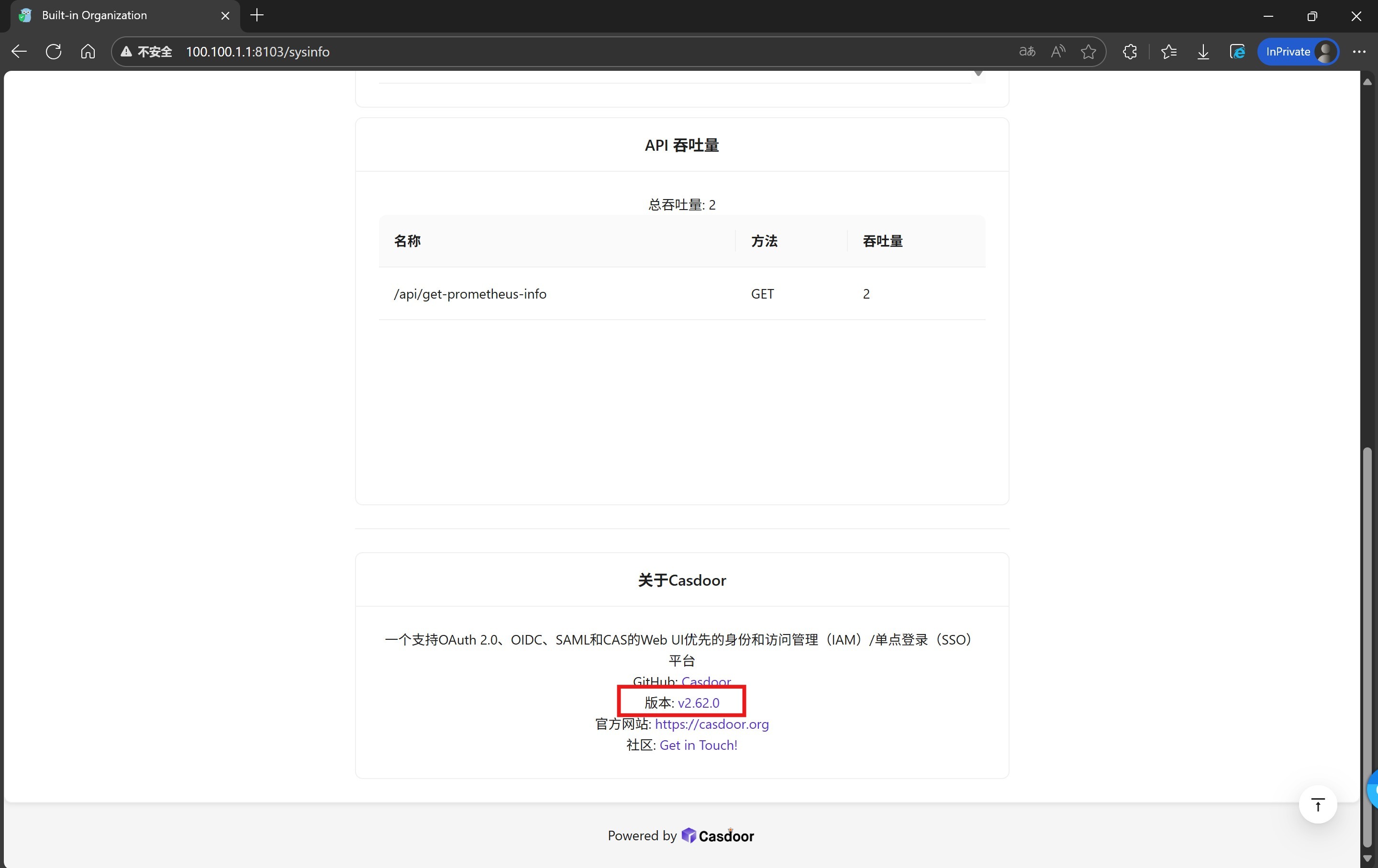
- Deploying Casdoor systems, this issue is currently known to exist on systems with version number 2.62.0 and earlier, the lowest affected version is unknown, and the vulnerability has been fixed in versions after 2.63.0;
- Prepare accounts for two different organizations:
- Account A: belongs to the default "built-in" organization of the Casdoor system and has administrator privileges for that organization (for subsequent verification of the impact of the vulnerability);
- Account B: belongs to a non-"built-in" organization (e.g., the custom organization "test-org"), and only has administrator privileges (no "built-in" organization-related operations) for that custom non-"built-in" organization. organization (no "built-in" organization related operations).
- Ensure that the test environment has a smooth network, normal access to the Casdoor system management interface and related interfaces, and that the database can be read and written normally (for observing the database data changes caused by the vulnerability).
(ii) Reproduction considerations
- Before the operation, it is recommended to backup the database data in order to subsequently restore the normal function of the system. Do not perform this operation in a production environment!
(iii) Reproduction of operational procedures
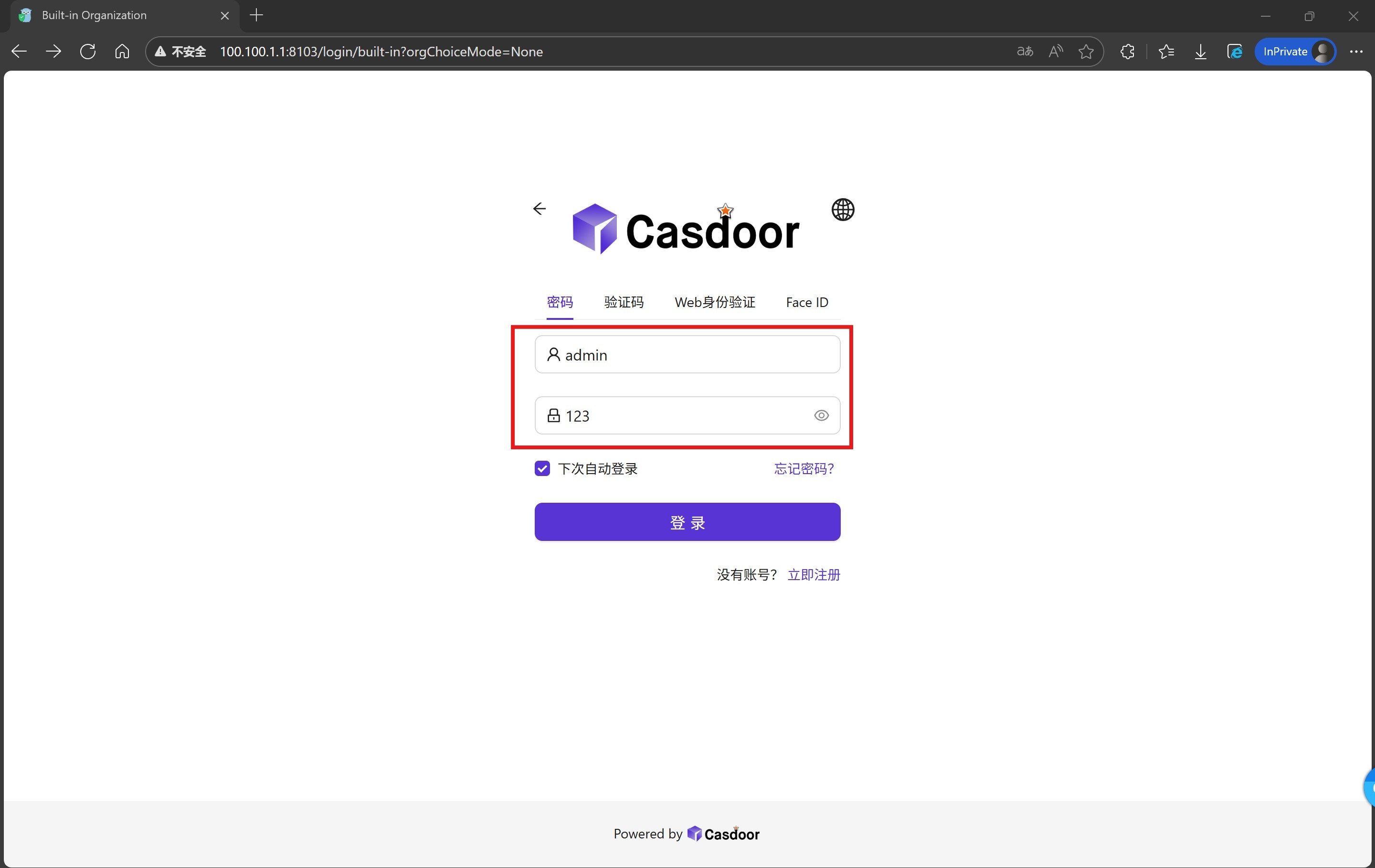
1. Install Casdoor (v2.62.0 and below) and log into the built-in organization (built-in) with the default administrator account (admin).
2. Confirm the version number information.
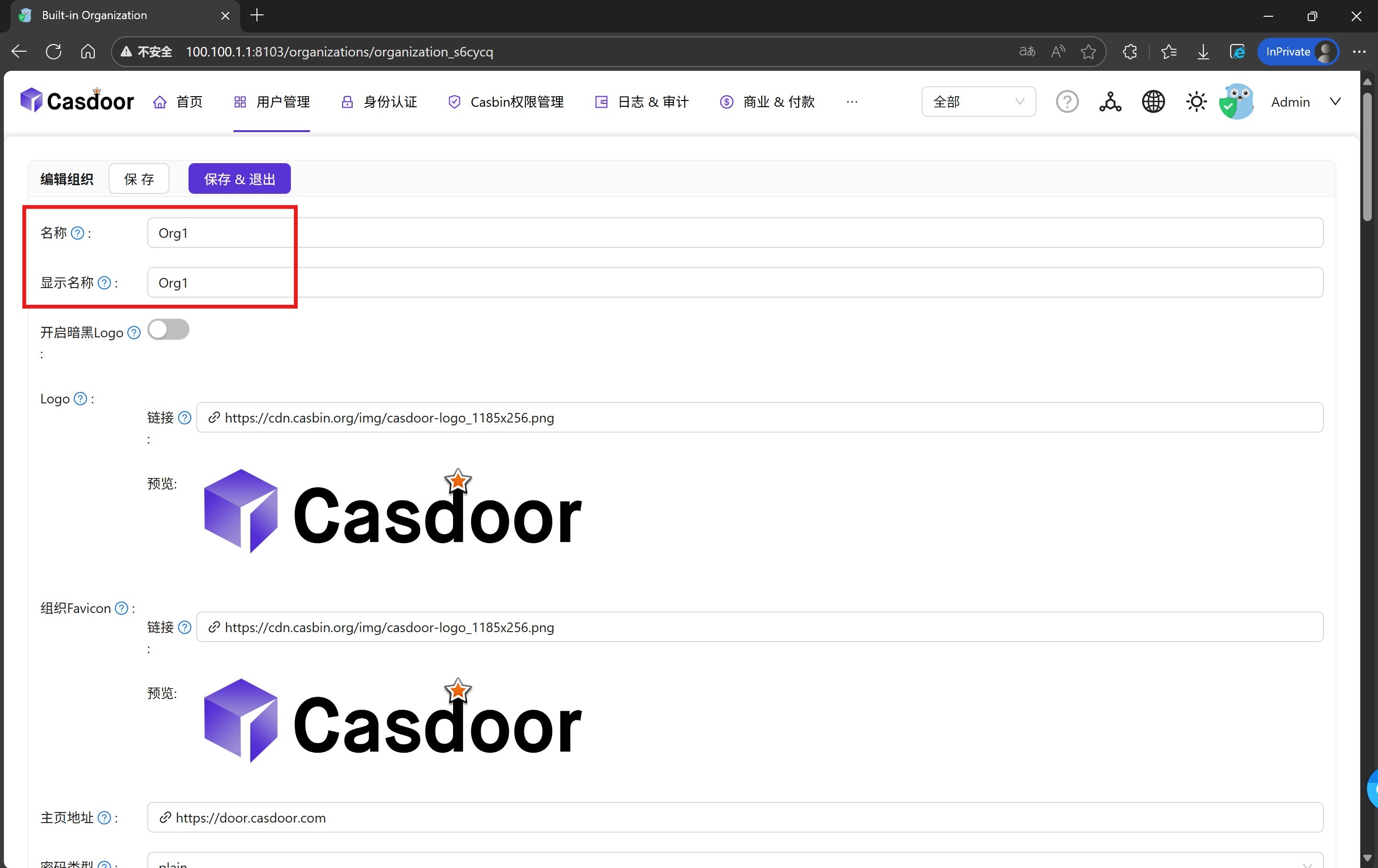
3. Create a new custom organization, this demo uses "Org1" as the organization name.
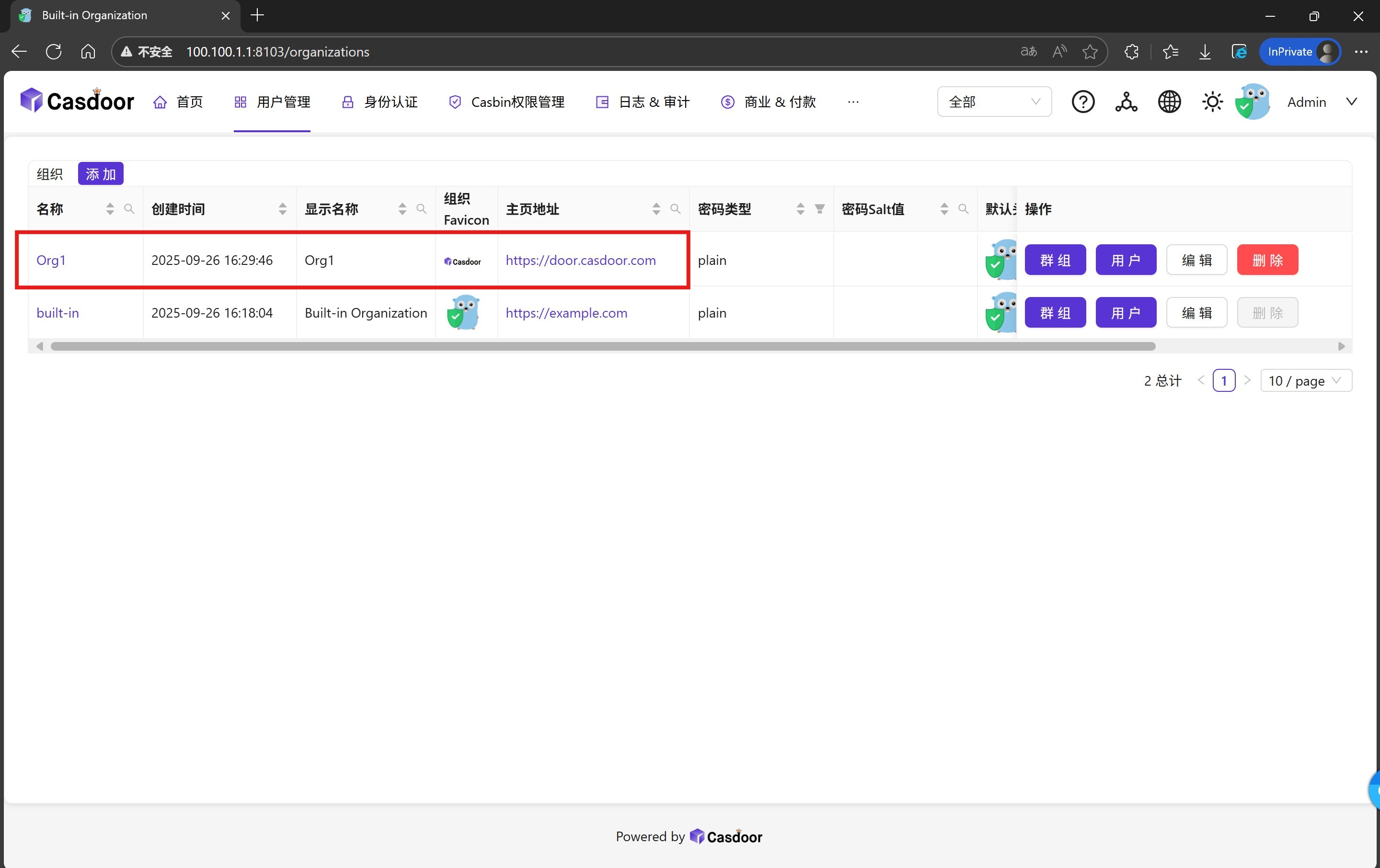
4. Complete the creation of the custom organization.
5. Switch to the new organization "Org1" and create a default application. (This step is because users cannot be created if the organization has no default application.) (This step is because users cannot be created if the organization does not have a default application; organizations with applications can skip this step.)
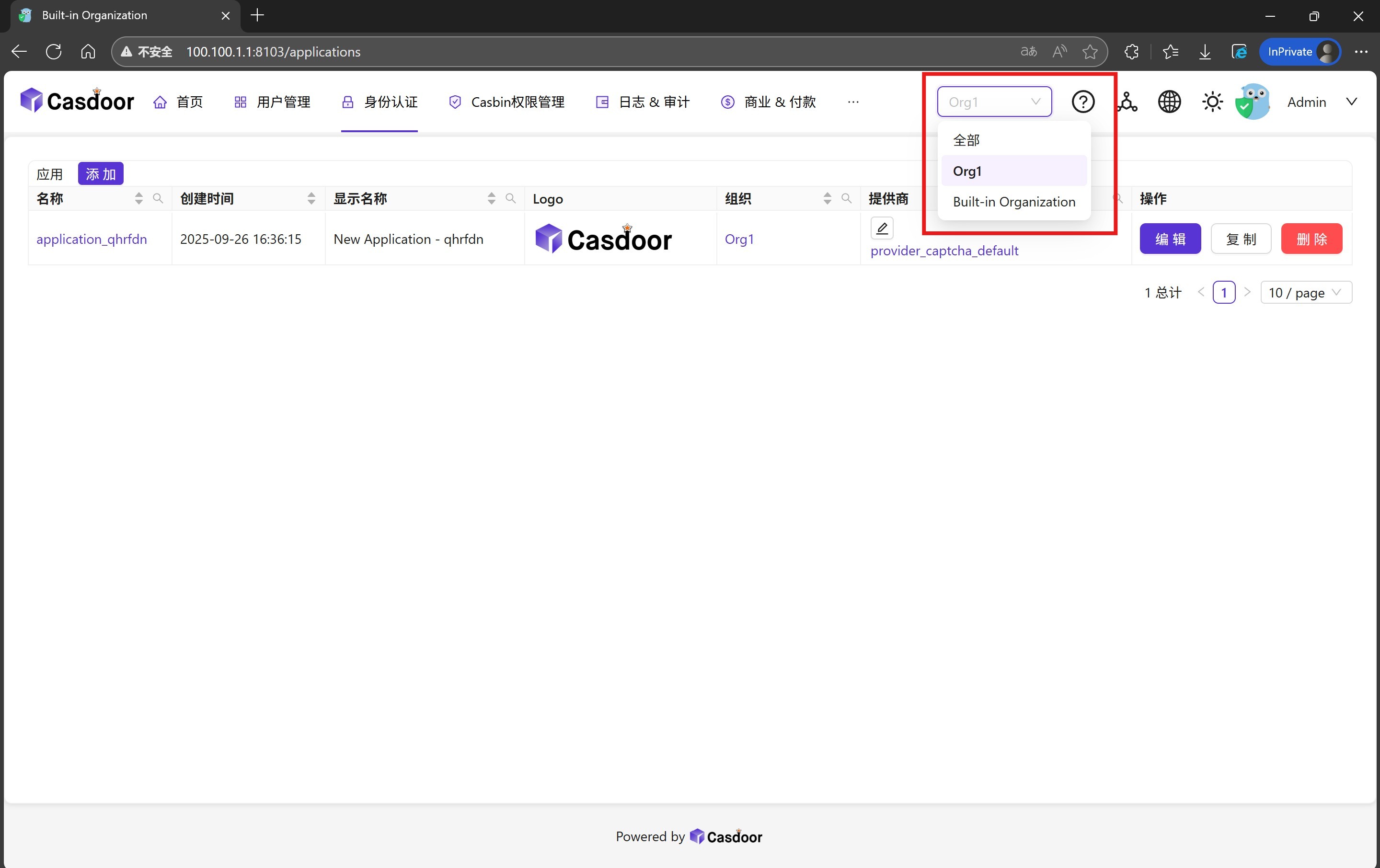
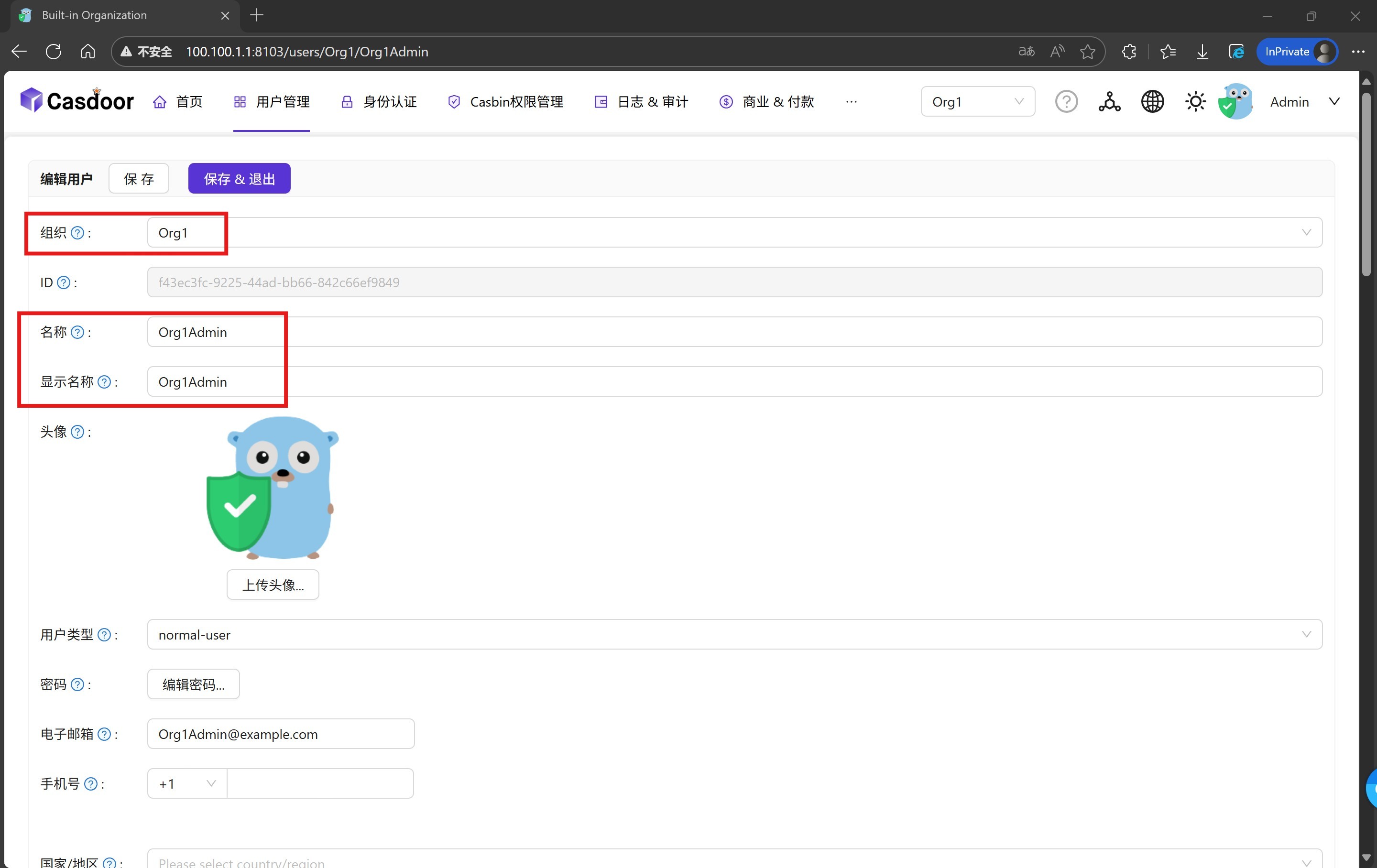
6. For the custom organization "Org1" to create a new user as the organization administrator, this demonstration uses "Org1Admin" as the user name.
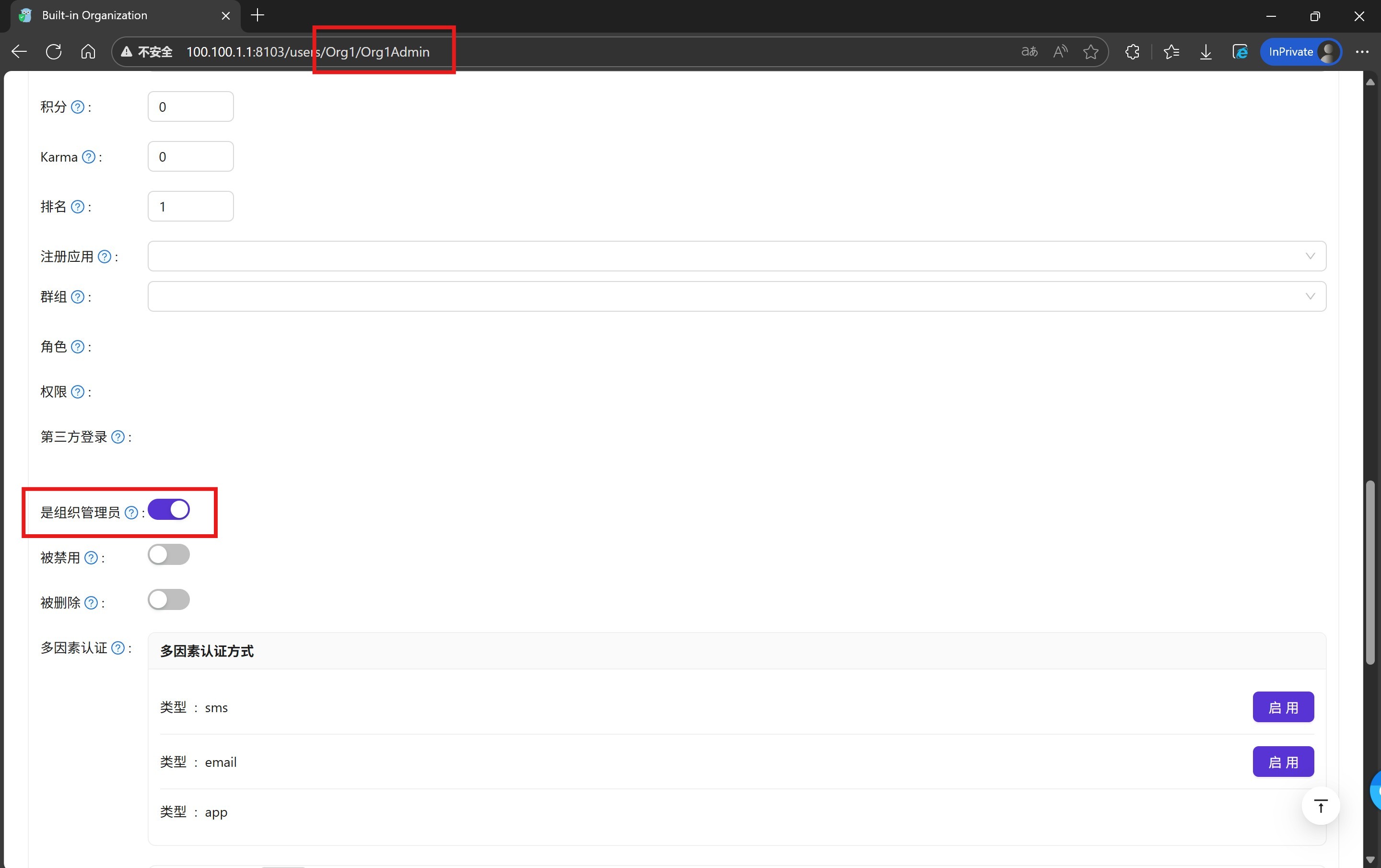
7. Give the user "Org1Admin" the administrator rights of the organization, according to the definition of Casdoor, only the users of the built-in organization "built-in" can manage all the resources of the Casdoor system. The user "Org1Admin" will only be the administrator of the organization "Org1".
8. Exit and return to the login screen, select the login organization as "Org1". (The method of selecting the organization here may vary depending on the setup, please refer to the section on selecting an organization to log in in the Casdoor documentation for details.)
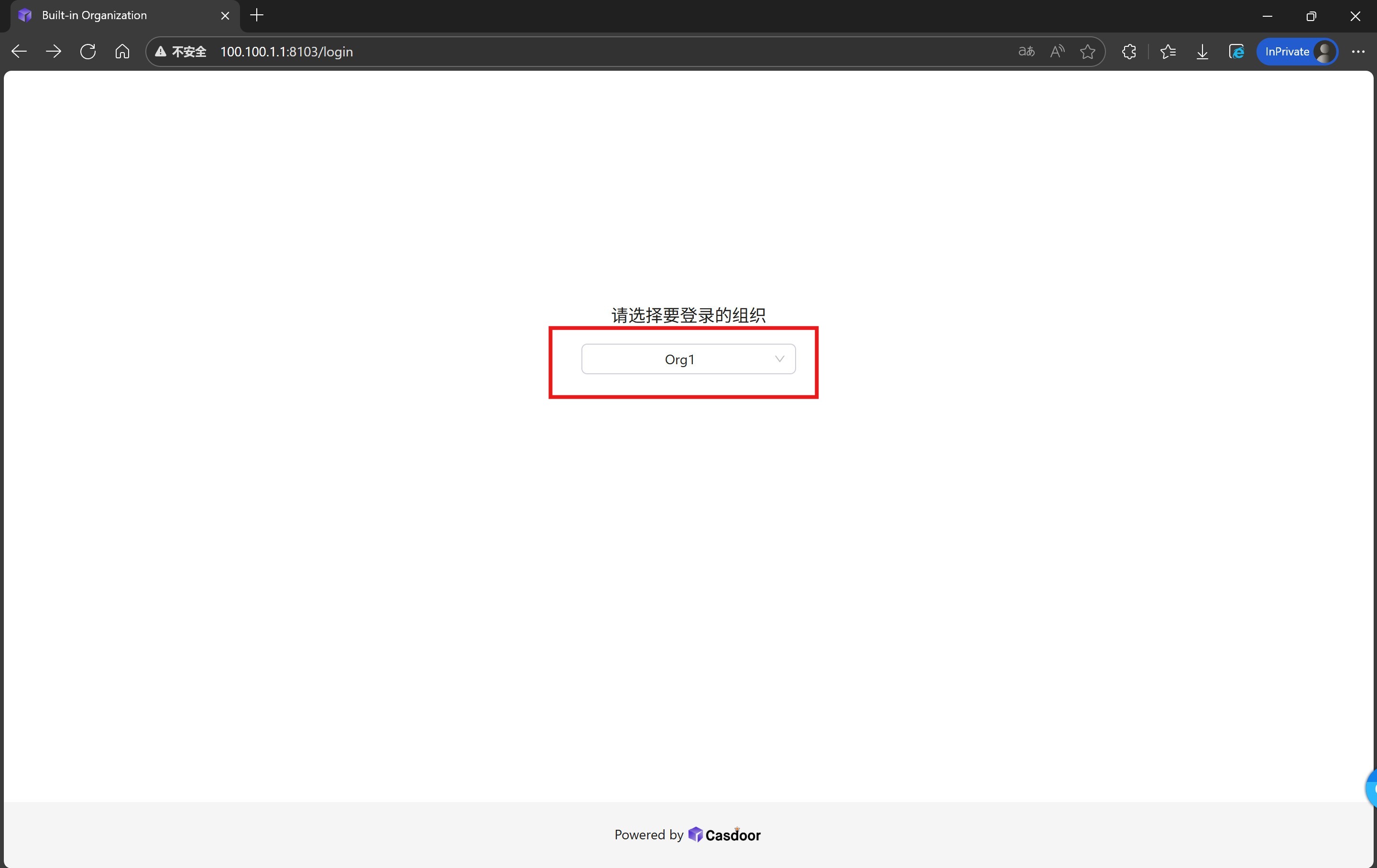
9. Log in to Casdoor using the "Org1Admin" account.
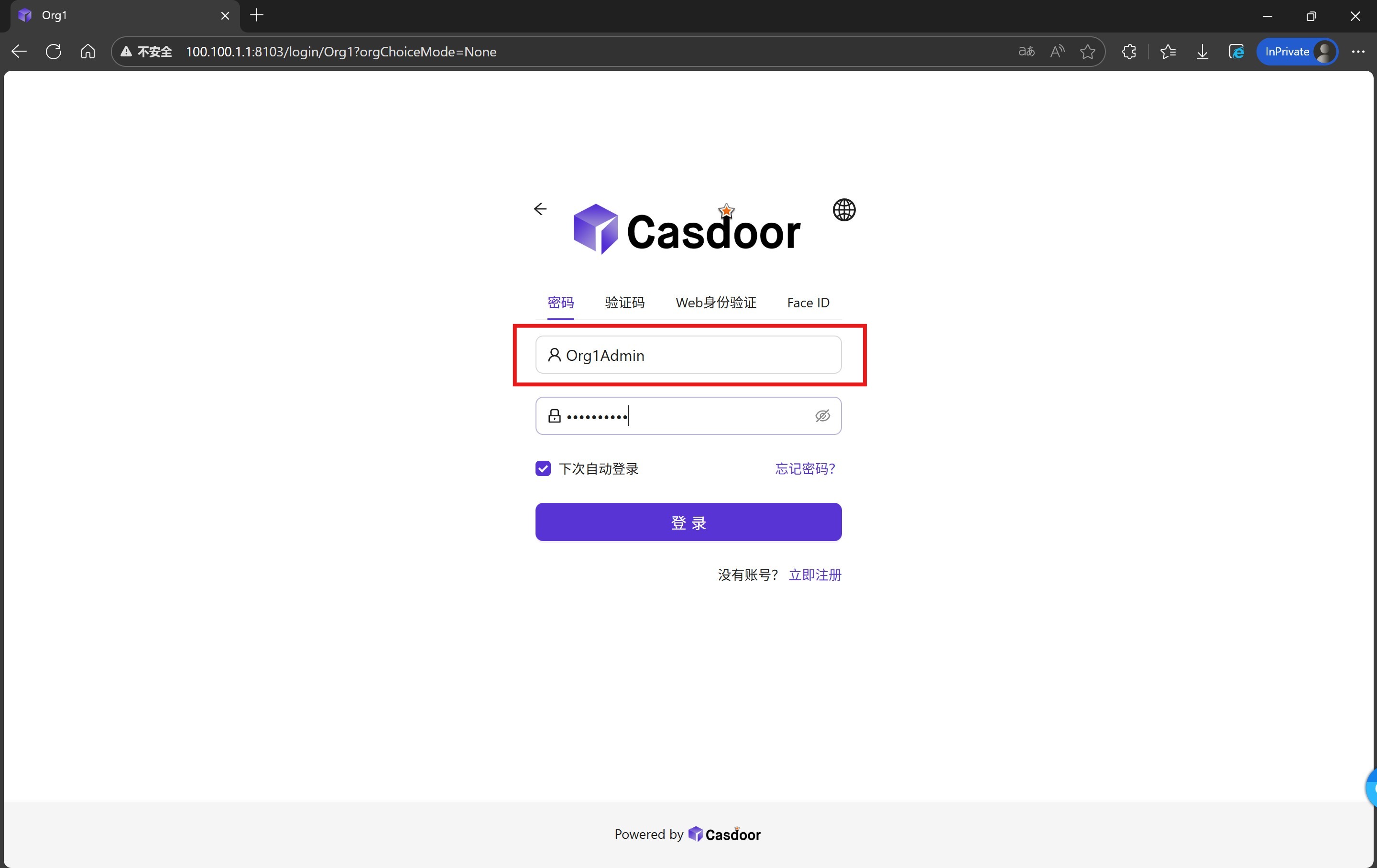
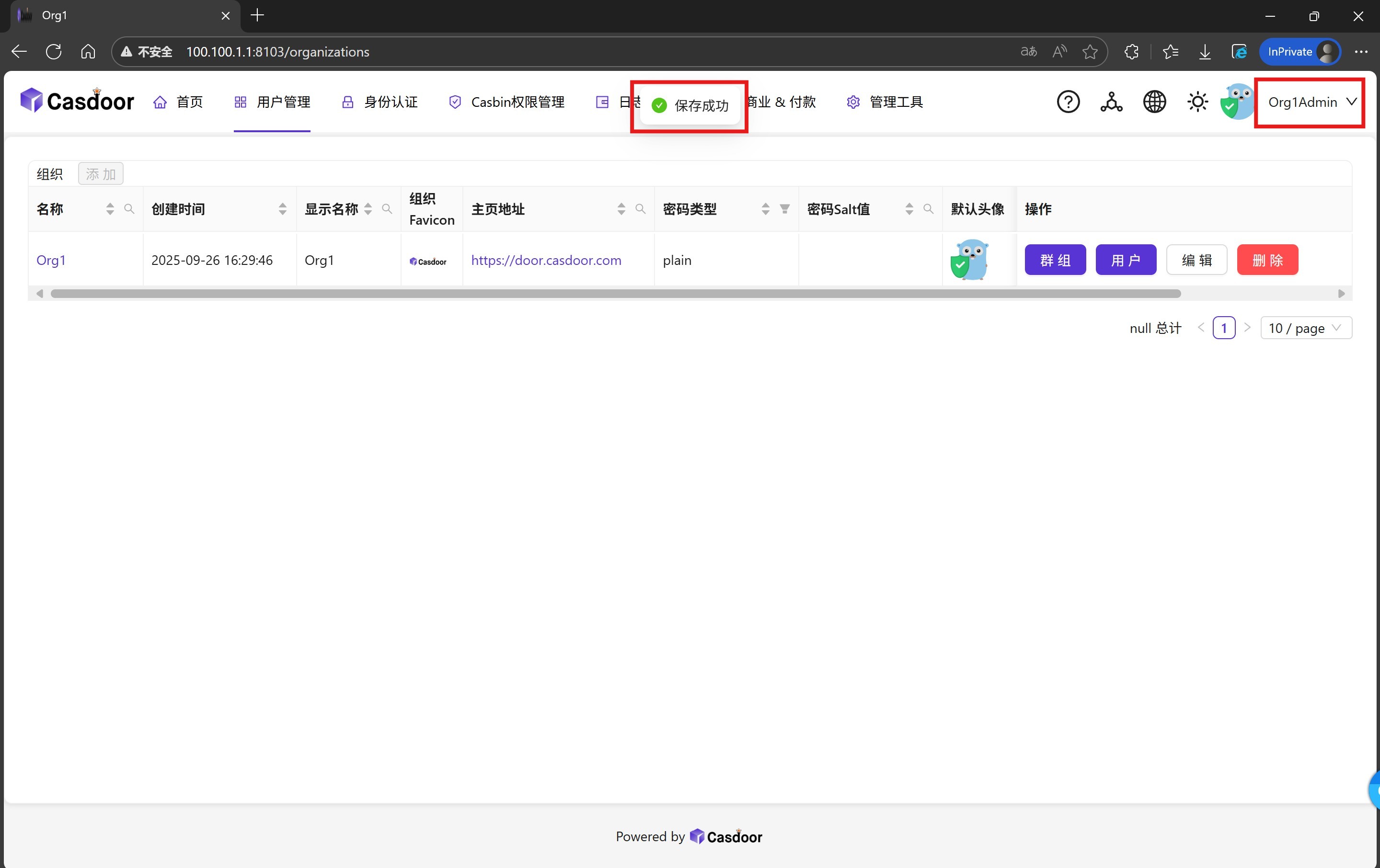
10. After logging in successfully, you can find that the organization page only exists "Org1" management options, at this time we can access the management interface of any organization by splicing the URL: https://[Casdoor address]/organizations/[organization name].
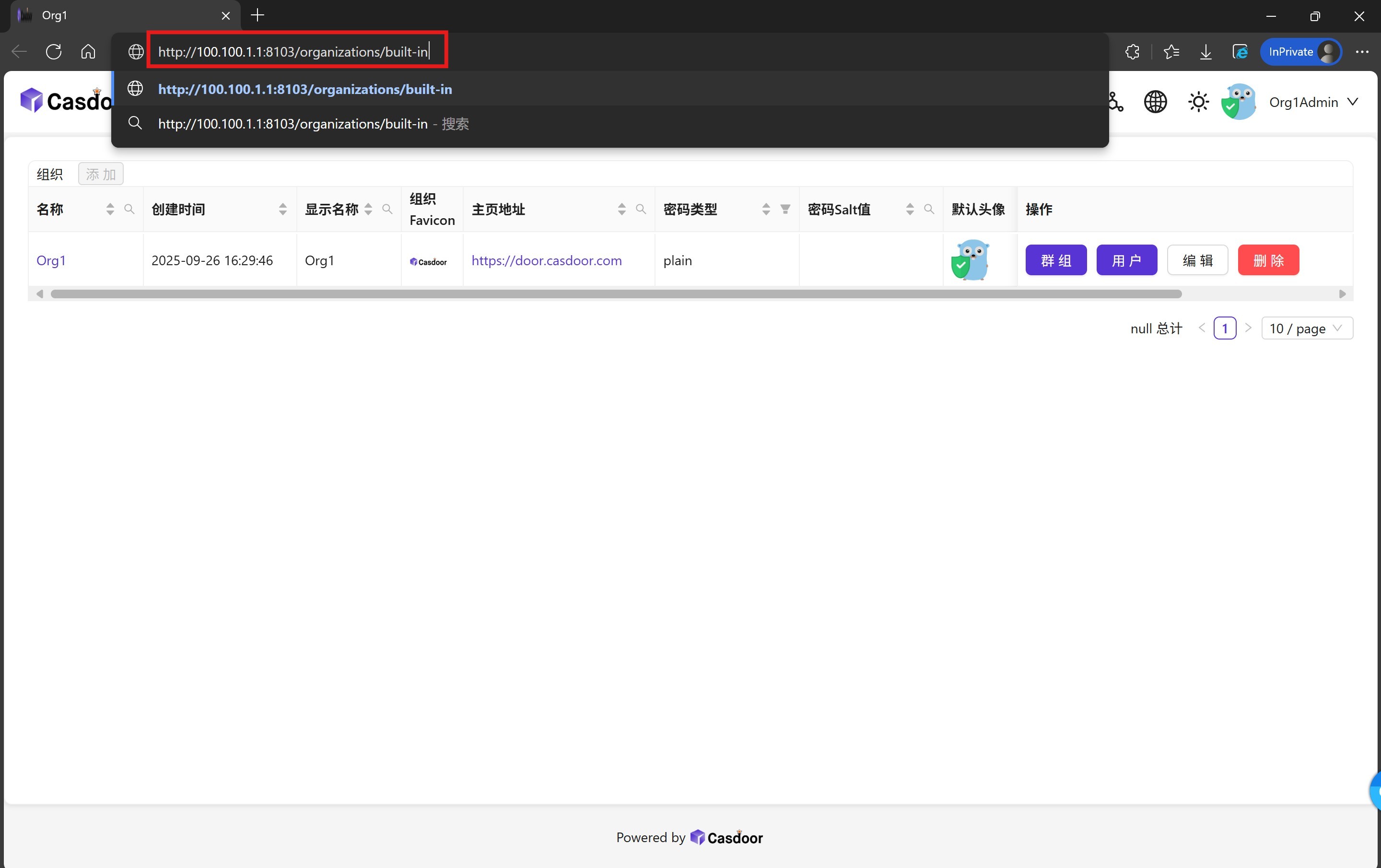
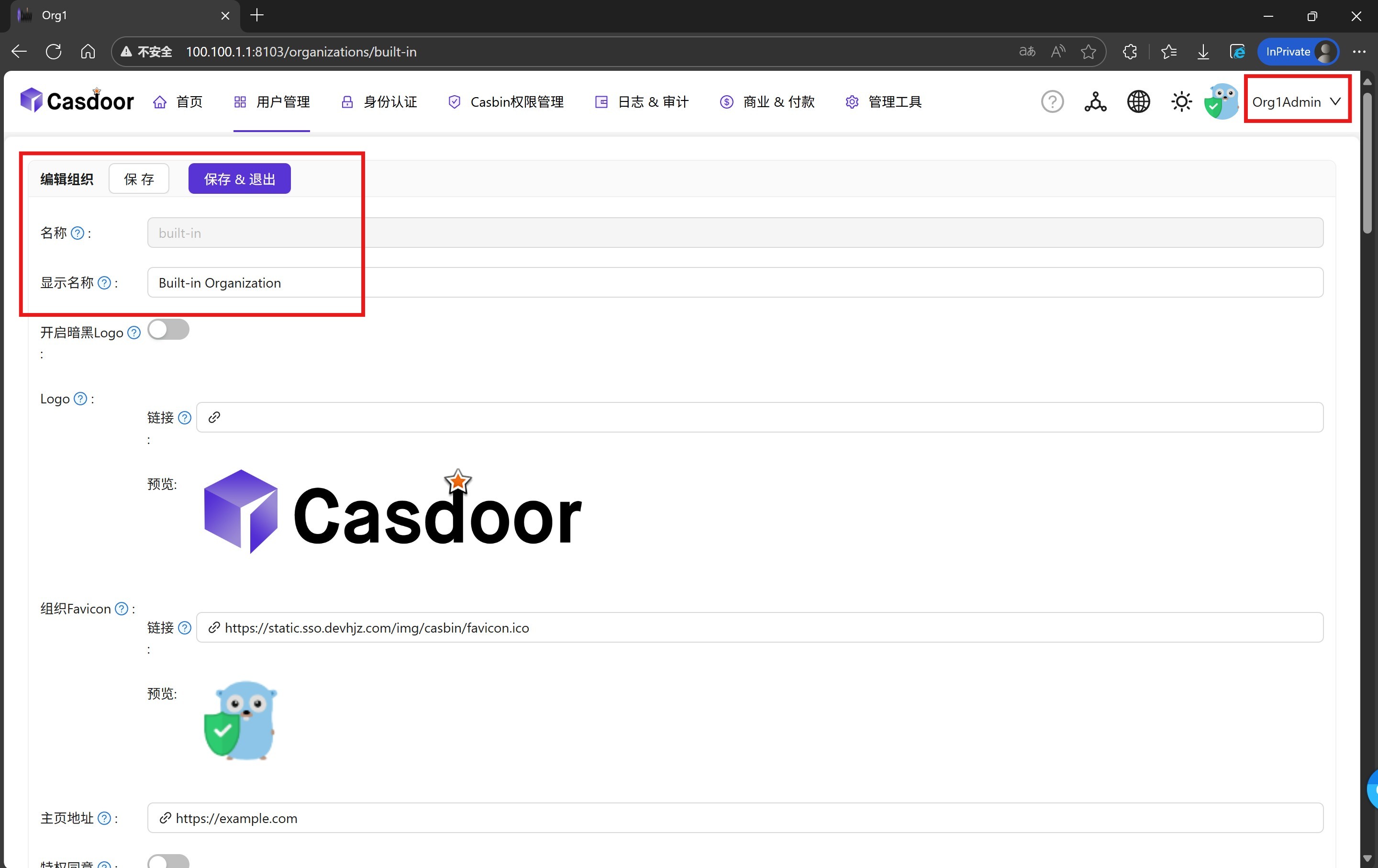
11. In this case, by splicing the URL: https://[Casdoor address]/organizations/built-in, we use the "Org1Admin" account, which does not have privileges to access, to successfully access the default built-in organization management page of Casdoor. administration page of Casdoor's default built-in administration organization.
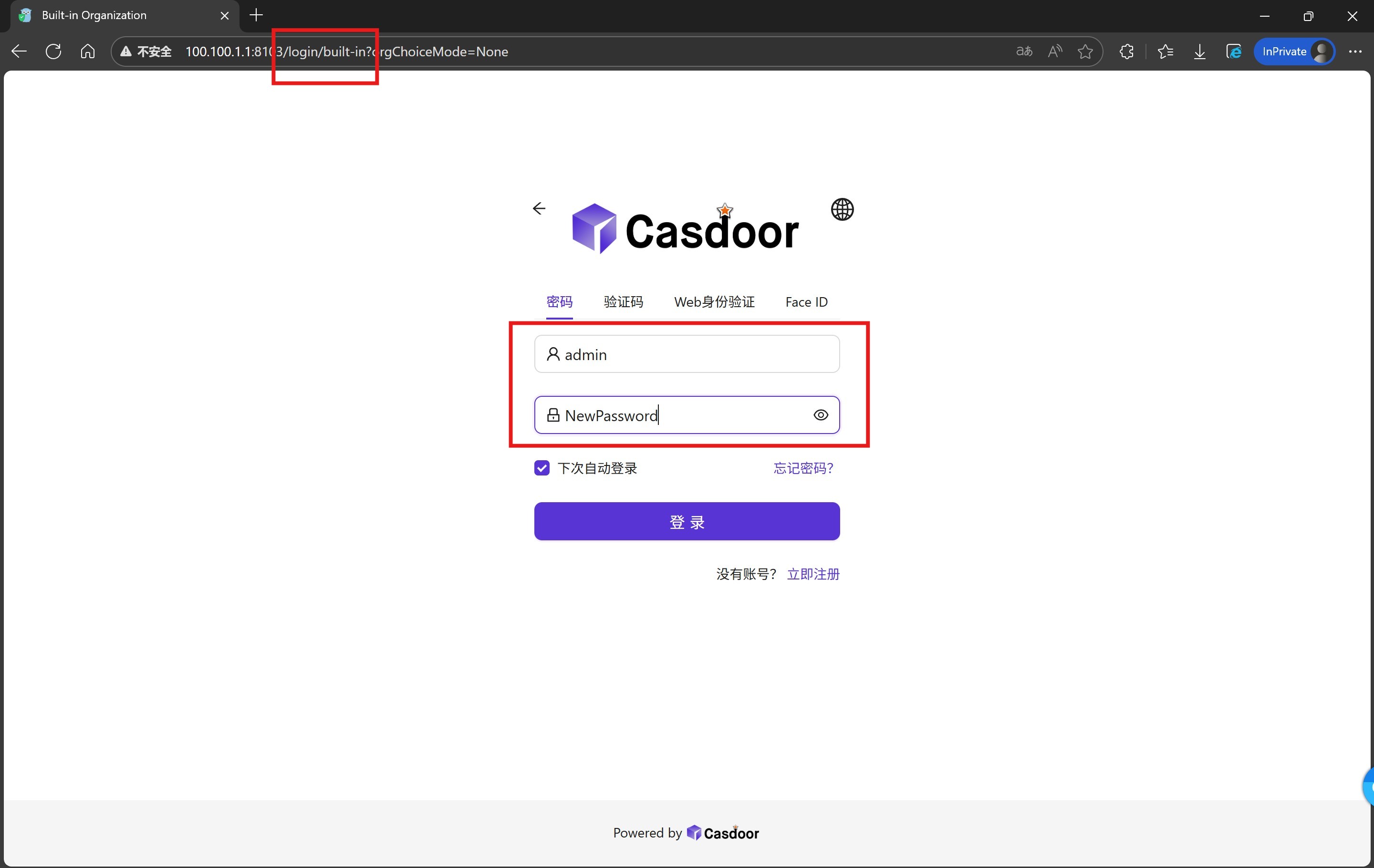
12. By setting a universal password here, we can use that password to log in to any user's account in the organization. In this case, by setting the universal password "NewPassword" for the built-in privilege management organization "built-in", we can use this password to access any system administrator account (e.g. "admin"), which can be used to access any system administrator account (e.g. "admin") for the purpose of privilege extraction or cross-privilege attacks.
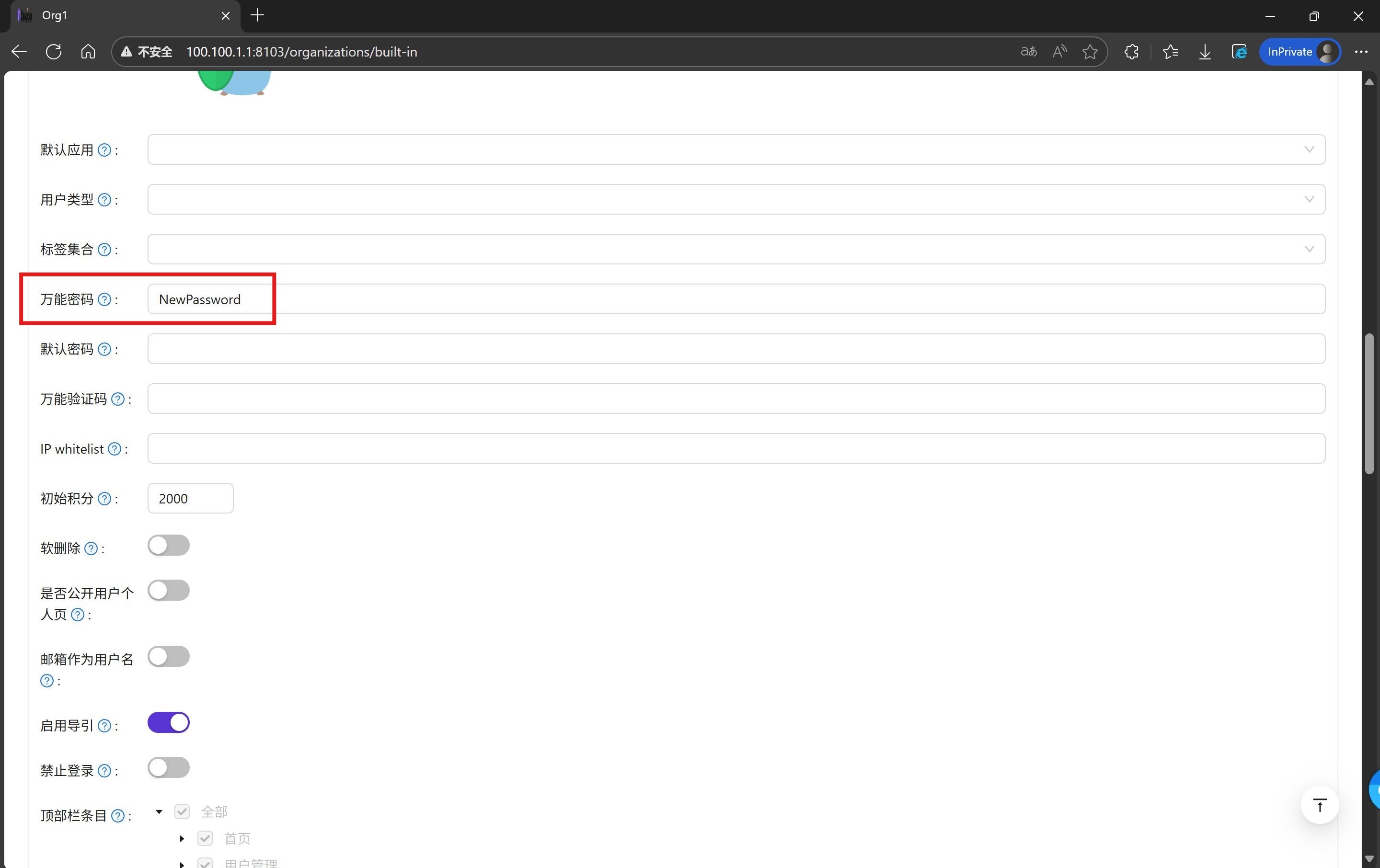
13. Save settings. Since Casdoor fails to authenticate administrators by organization, any administrator can modify other organization information and save it.
14. Return to the login interface, use the "admin" account of the built-in privilege management organization "built-in" with the universal password "NewPassword" just set. Login with the "NewPassword" password you just set.
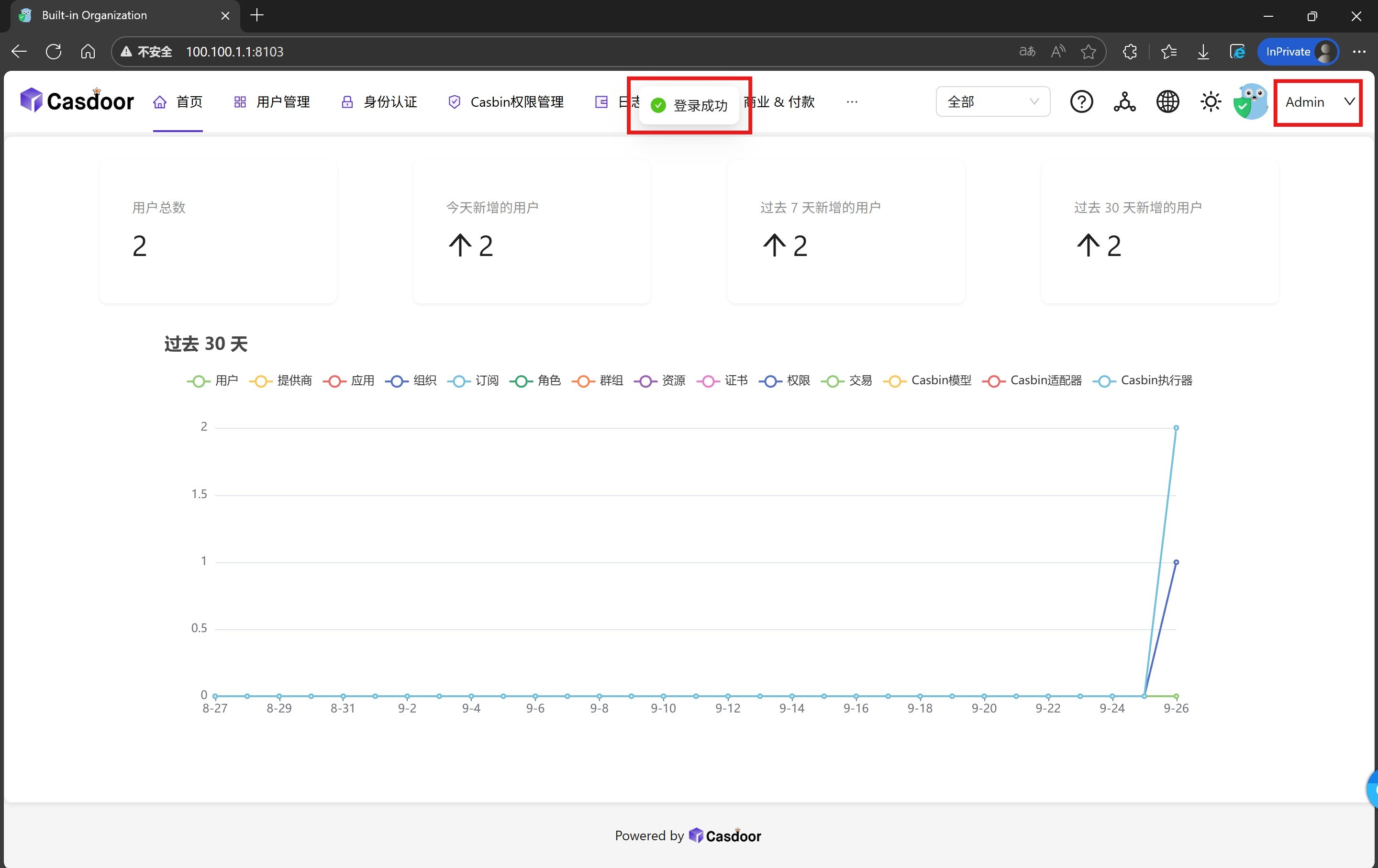
15. Login successfully, thus successfully completing the authorization or override operation. Get Casdoor system management privileges, and does not affect the "built-in/admin" user to use the original password login, with a certain degree of covert.
16. Continue to use the "Org1/Org1Admin" account operation, splicing URL: https://[Casdoor address]/applications/[organization name]/[application name], you can enter the other organization's application editing page, although there will be a pop-up box prompts "Unauthorized operation", but will only prevent the display of application-specific information, and does not prevent its editing.
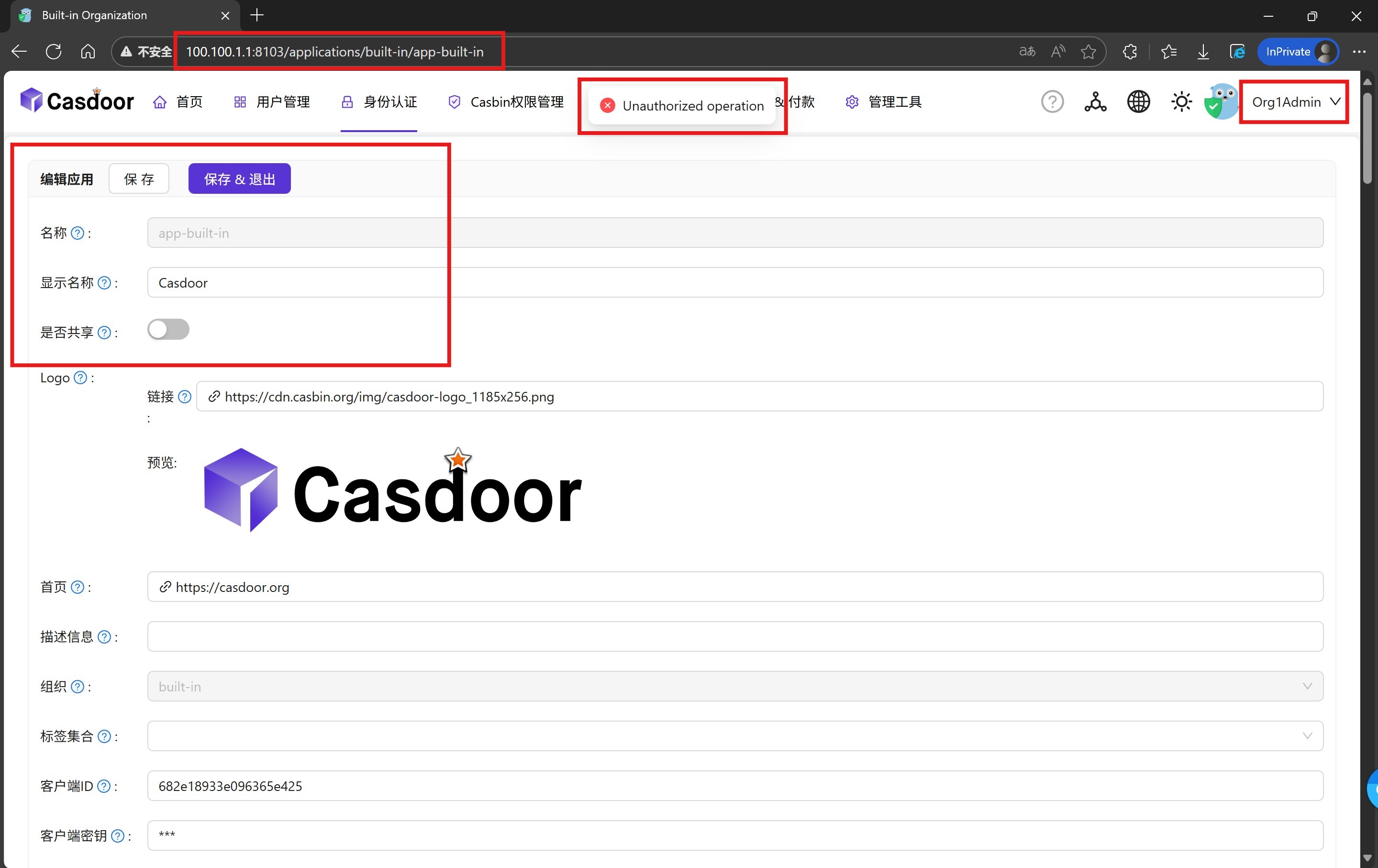
17. Most of the configurations are not displayed on the front-end because reading application details is blocked, but they can be edited.
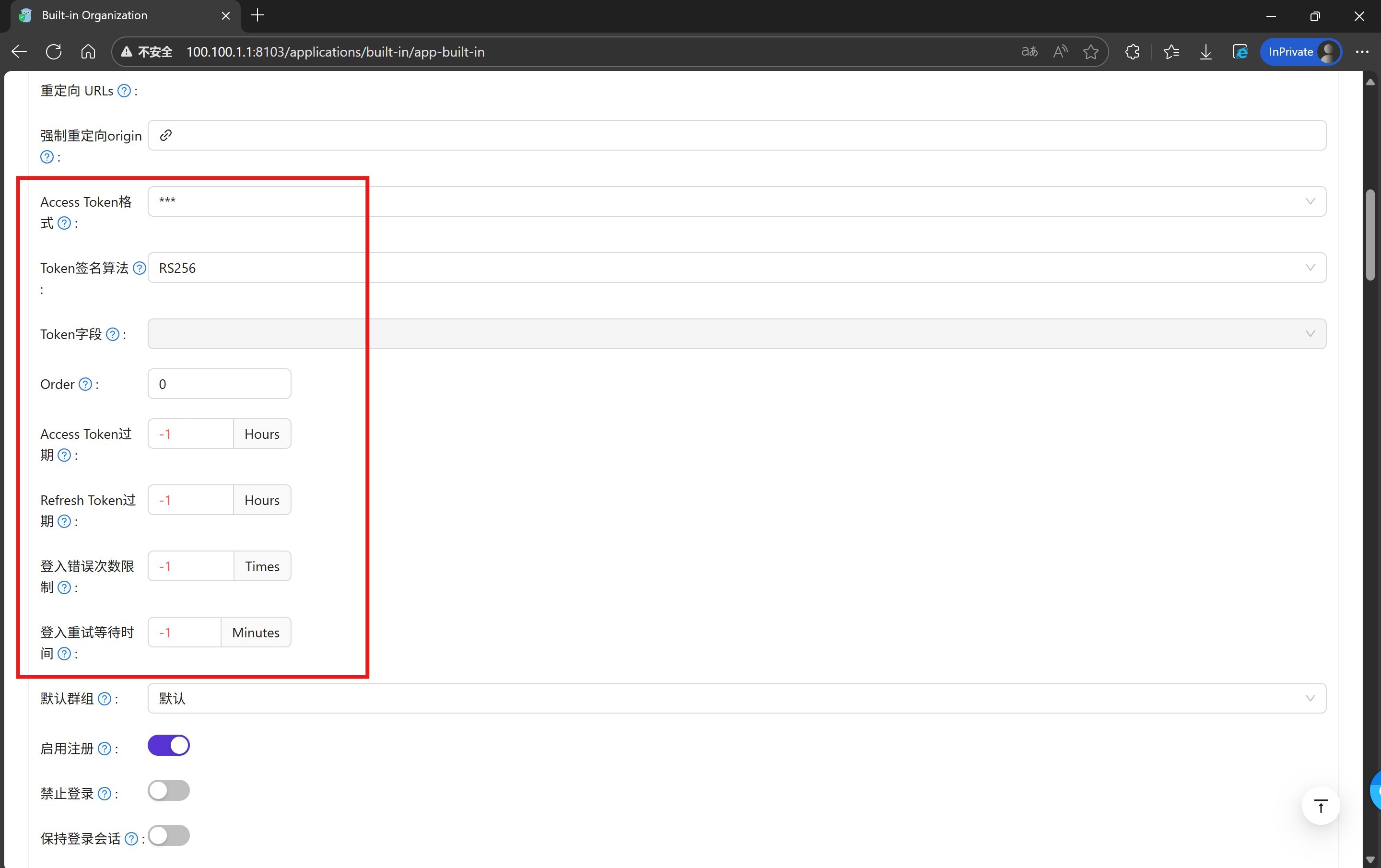
18. Any configuration for the application can be saved successfully.
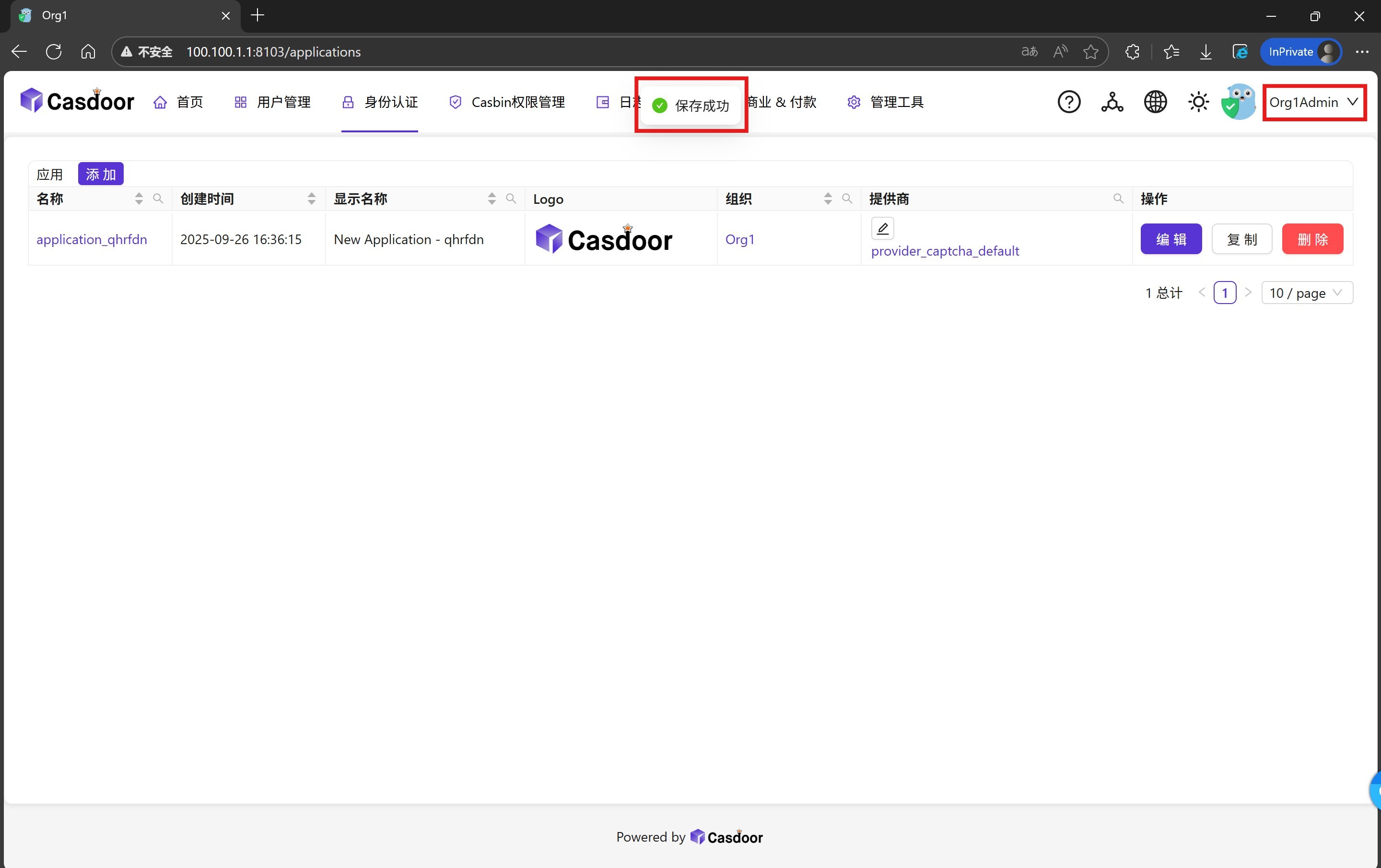
19. A variety of attacks can be realized by tampering with the application configuration, such as tampering with the client ID, client key and callback address to achieve the purpose of stealing user credentials, etc., and incorrectly modifying or directly submitting null data will cause the front-end to report an error, preventing any user from logging in (in particular, the "built-in/app-built-in" application is tampered with will prevent all system administrators from accessing Casdoor's system management backend). The tampering of the "built-in/app-built-in" application will prevent all system administrators from accessing Casdoor's system management backend.) Since it can realize a variety of attack methods, we won't expand the demonstration here.
Above is the full reproduction process of the vulnerability.